
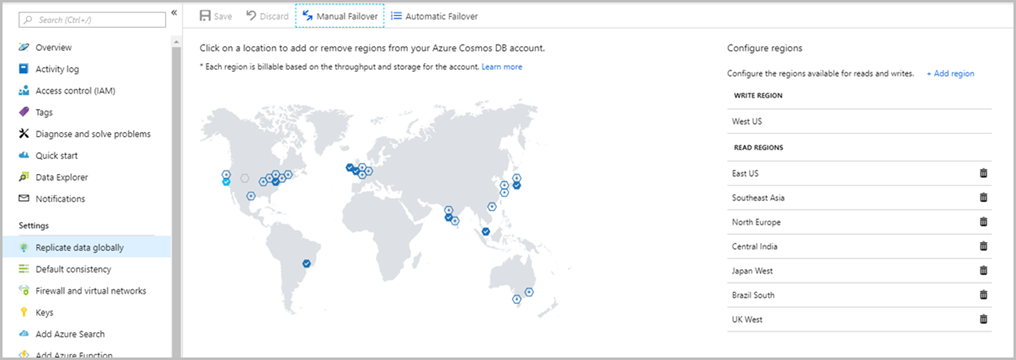
In this article, I will try to give a brief information about Azure Cosmos DB and introduce common concepts of Azure Cosmos DB.
Azure Cosmos DB is getting very popular and Entity Framework Core is going to support it for its 3.0 version, see https://docs.microsoft.com/en-us/ef/core/providers/#cosmos-db.
So, what is Azure Cosmos DB ? It is a planet-scale document database which is an evolution of Azure Document DB.
When you login to Azure Portal, you can easily create an Azure Cosmos DB database and collection(s) on that database. You can think collection as a table on a relational database without a schema.
Pricing
Before we start, let’s talk about pricing. Your usage is priced based on Request Units. You can think of RUs per second as the currency for throughput.
- Write will cost more than read
- Query on an indexed data costs less
- Size of the data affects RUs and price as well
- Latency option affects pricing (we will talk about it later)
- Indexing policy also affects pricing
It will be better to calculate your needs in advance so that you will not see any surprising bill on your Azure account. You can use Microsoft’s capacity planner for Document DB (named to Cosmos DB) https://www.documentdb.com/capacityplanner.
Another good thing is, each request to Azure Cosmos DB returns used RUs to you so you can decide whether stop your requests for a while or increase the RU limit of your collection on Azure portal.
Multi API support
Azure Cosmos DB supports 5 type of APIs.
- SQL API (Json)
- MongoDB API (Bson)
- Gremlin API (Graph)
- Table API (Key-Value)
- Cassandra API (columnar)
Although Azure Cosmos DB offers 5 different API models, all different data models are stored as ARS (Atom Record Sequence).
It also supports Stored Procedures, User Defined Functions and Triggers. Isn’t that great 😉
Horizontal partitioning
One of the powerful side of Az



Comments
No one has commented yet, be the first to comment!